How do I turn off the lock on my Kenmore dishwasher?
Kenmore dishwashers, particularly the Elite and Ultra Wash models, are known for their durability and advanced features, including a control lock function designed to prevent unintended operation, especially by children. However, when the lock light illuminates and the dishwasher becomes unresponsive, it can be frustrating. This guide provides a detailed, step-by-step approach to unlocking your Kenmore dishwasher, troubleshooting persistent issues, and understanding the lock feature. Whether you own a Kenmore Elite model like the 665.14743N510 or an Ultra Wash from the early 2000s, this article will help you resolve the issue efficiently. We’ll also explore common models, user experiences, and when to consider professional repair or replacement.
Understanding the Kenmore Dishwasher Control Lock
The control lock feature on Kenmore dishwashers is a safety mechanism that disables the control panel to prevent accidental activation. It’s particularly useful in households with young children who might press buttons during a cycle. When activated, a “Locked” light typically illuminates, and pressing any button may cause it to flash or remain unresponsive. The lock can sometimes engage unintentionally due to prolonged button presses or electrical glitches, leaving the dishwasher inoperable until reset.
Kenmore dishwashers, often manufactured by Whirlpool, vary in design across models and years. The method to unlock the dishwasher depends on the specific model and control panel layout. Common buttons associated with the lock feature include “Top Rack Only,” “Sani Rinse,” “Heated Dry,” “No Heat Dry,” or “Control Lock.” If the standard unlocking procedure fails, deeper troubleshooting may be required.
Why Is My Kenmore Dishwasher Locked?
Kenmore dishwashers have a control lock (child lock) feature to prevent accidental button presses. However, sometimes the dishwasher gets stuck in this mode due to:
- Accidental activation (pressing and holding a button too long).
- Stuck or faulty buttons (debris, moisture damage).
- Electronic glitch (requires a hard reset).
- Failed control board (rare, but possible in older models).
Step-by-Step Guide to Unlocking Your Kenmore Dishwasher
Below is a comprehensive guide to turning off the lock on your Kenmore dishwasher. These steps are based on common solutions for models like the Kenmore Elite 665 series and Ultra Wash dishwashers.
Step 1: Identify Your Dishwasher’s Model Number
The model number is critical for accurate troubleshooting, as button functions vary. You’ll find it on a sticker inside the dishwasher, typically on the door frame or tub edge, visible when the door is open. Examples include:
- Kenmore Elite 665.14743N510
- Kenmore Elite 665.12773K310
- Kenmore Ultra Wash 17772990
If you don’t have the model number, check for key buttons like “Top Rack Only,” “Sani Rinse,” or “No Heat Dry” to narrow down the likely unlocking method.
Step 2: Try the Standard Unlocking Procedure
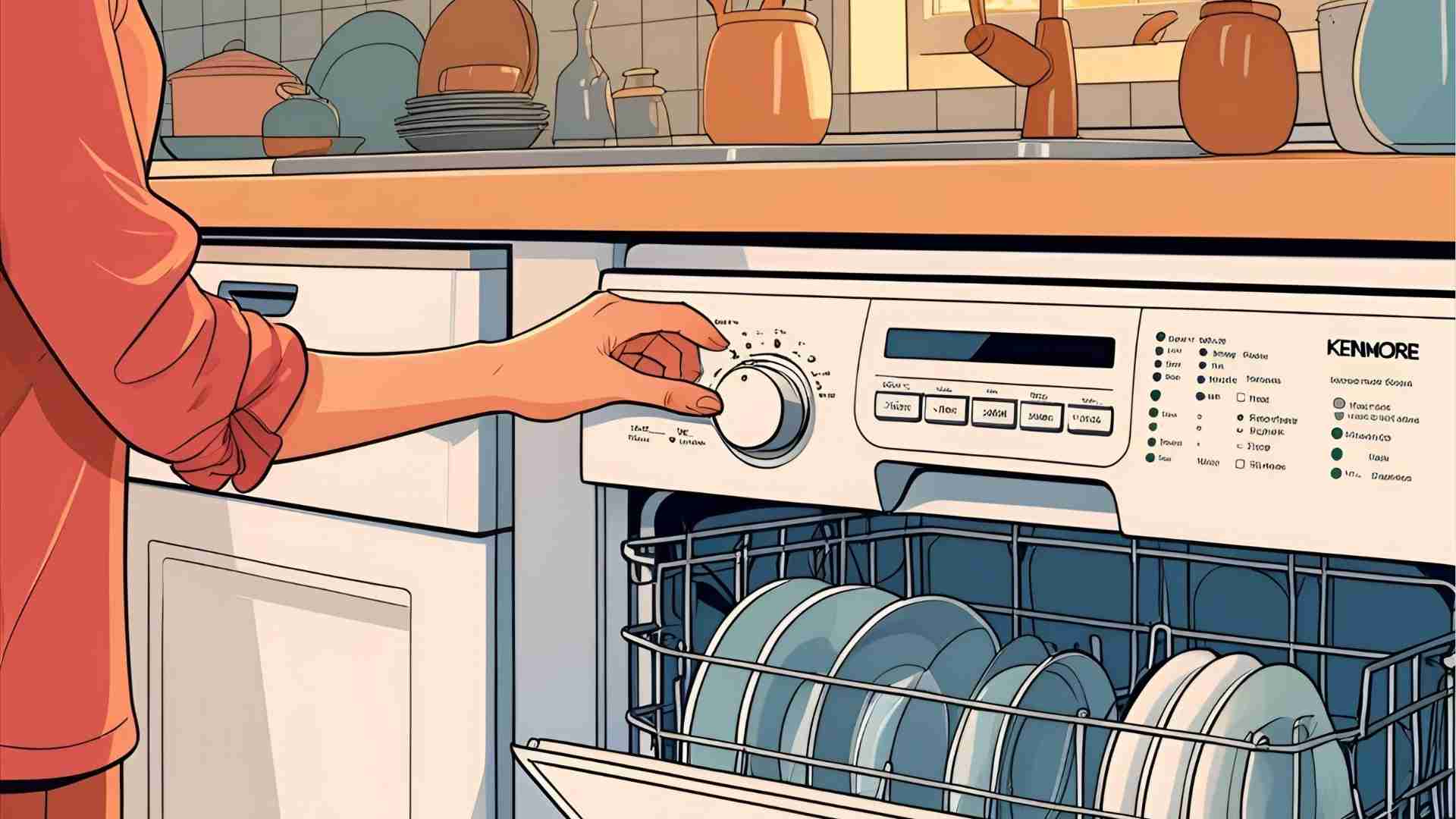
Most Kenmore dishwashers unlock by pressing and holding a specific button for 3–5 seconds. Here are the most common methods:
- Top Rack Only: Press and hold for 3–5 seconds. This works for many Kenmore Elite models, such as the 665.14743N510.
- Sani Rinse: Hold for 3 seconds. Effective for models like the 665.13229N412.
- No Heat Dry/Air Dry: Press for 4–5 seconds, common on older Ultra Wash models.
- Heated Dry: Hold for 4 seconds, often paired with “No Heat Dry” on some panels.
- Control Lock: If labeled explicitly, press and hold for 5 seconds.
How to Perform:
- Ensure the dishwasher door is closed but not latched unless specified.
- Press and hold the designated button firmly for the full duration.
- Watch for the “Locked” light to flash or turn off, indicating the control lock is deactivated.
- Test by pressing a cycle button (e.g., “Normal Wash”) to confirm functionality.
| Model Type | Button to Press & Hold | Duration |
|---|---|---|
| Kenmore Elite | Top Rack Only | 3–5 seconds |
| Kenmore Ultra Wash | No Heat Dry or Heated Dry | 4–5 seconds |
| Newer Kenmore Elite | Sani Rinse or Hi-Temp Wash | 3–5 seconds |
Tip: If the lock light flashes but doesn’t deactivate, try pressing “Cancel/Drain” first to wake the machine, then repeat the unlock procedure.
Step 3: Power Reset the Dishwasher
If the button method fails, a power reset can clear electronic glitches:
- Locate the Circuit Breaker: Find your home’s electrical panel and identify the breaker for the dishwasher (often labeled).
- Turn Off Power: Flip the breaker to the “Off” position or unplug the dishwasher if accessible.
- Wait 5–30 Minutes: A 5-minute reset is standard, but waiting up to 30 minutes may help with stubborn issues.
- Restore Power: Flip the breaker back on or plug in the dishwasher.
- Test the Control Panel: Try unlocking again using the button method or starting a cycle.
Caution: Ensure the dishwasher is dry before restoring power to avoid electrical hazards.
Step 4: Test Alternative Button Sequences
Some models require a sequence of button presses to enter a diagnostic mode or clear the lock:
- Sequence 1: Press “Heated Dry,” “Normal Wash,” “Heated Dry,” “Normal Wash” in order. This may trigger a self-test cycle, resetting the lock.
- Sequence 2: Press “Pots and Pans,” “Normal,” “China” three times consecutively.
- Sequence 3: Press “High Temp” and “Heated Dry” back and forth twice.
After attempting a sequence, wait for any lights to stabilize, then try starting a cycle. These methods are less common but have worked for specific models like the 665.12773K310.
Step 5: Inspect for Stuck Buttons
A stuck or faulty button can prevent unlocking. Signs include continuous flashing of the lock light or unresponsiveness when pressing other buttons.
- Visual Check: Examine the control panel for debris, water stains, or sticky residue.
- Clean the Panel: Use a damp cloth with mild soap to clean around buttons, avoiding excess water. Dry thoroughly.
- Press Each Button: Gently press all buttons to feel for sticking or lack of tactile feedback.
If cleaning doesn’t help, the issue may be internal (see troubleshooting section below).
Step 6: Run a Test Cycle
Once the lock light is off, test the dishwasher:
- Load dishes (if not already done).
- Select a short cycle like “1 Hour Wash” or “Normal.”
- Press “Start/Resume” and close the door within 3 seconds.
- Monitor for normal operation, including water filling and pump sounds.
If the lock light reactivates, further troubleshooting is needed.
Troubleshooting Persistent Lock Issues
When standard methods fail, the problem may stem from a stuck keypad, faulty control board, or damaged control panel. Here’s how to diagnose and address these issues.
Stuck Keypad
A stuck keypad can mimic a locked state, causing buttons to flash or remain unresponsive.
- Symptoms: Lock light flashes continuously, or pressing buttons triggers no response beyond flashing.
- Solution:
- Perform a power reset (as described above).
- Clean the control panel thoroughly to remove any debris.
- Press and hold each button individually for 5 seconds to attempt freeing it.
- Next Steps: If unresolved, the keypad may need replacement (see repair section).
Faulty Control Board
The control board manages all dishwasher functions. A malfunction can cause the lock to engage persistently.
- Symptoms: Lock light remains on after resets, or the dishwasher enters a 2-minute “phantom” cycle when pressing “Cancel.”
- Solution:
- Perform a hard reset by disconnecting power for 30 minutes.
- If comfortable, access the control board:
- Disconnect power.
- Remove screws holding the inner door panel.
- Locate the control board (a circuit board behind the control panel).
- Unplug and replug the ribbon cable to ensure a secure connection.
- Test the dishwasher after reassembly.
- Note: Control board replacement is complex and may require a professional. For older models (e.g., 17772990), parts like the 9744031 board may be discontinued, making repair uneconomical.
Damaged Control Panel
Water or cleaning agents can damage the control panel, especially in top-mounted displays.
- Symptoms: Unresponsive buttons, erratic light behavior, or lock light reactivating after reset.
- Solution:
- Inspect for visible damage (e.g., corrosion, burn marks).
- Attempt a power reset and cleaning.
- If unresolved, the panel may need replacement, costing $100–$300 depending on the model.
When to Call a Professional
If all methods fail, consider professional service:
- Indicators: No response after resets, suspected control board failure, or inability to source parts.
- Cost: Repairs for control panels or boards typically range from $150–$400, including labor.
- Recommendation: For dishwashers over 7–10 years old, weigh repair costs against replacement. A new dishwasher may cost $500–$1,500 but offers modern efficiency and reliability.
Common Kenmore Dishwasher Models and Lock Features
Here’s a table summarizing lock-unlocking methods for popular Kenmore models based on user reports and technical advice:
| Model Number | Series | Unlock Method | Notes |
|---|---|---|---|
| 665.14743N510 | Elite | Hold “Top Rack Only” for 3–5 seconds | Common issue with lock light reactivating; try power reset if needed. |
| 665.12773K310 | Elite | Hold “Control Lock” or “Upper Rack” for 5 seconds | Top rack clips may break, affecting usability; confirm button label. |
| 665.13229N412 | Elite Ultraclean | Hold “Sani Rinse” for 3 seconds | Manual may list incorrect button; “Sani Rinse” often resolves. |
| 17772990 | Ultra Wash | Hold “No Heat Dry” for 4–5 seconds | Older model; control board (9744031) discontinued, consider replacement. |
| 665.12763K310 | Elite | Hold “Top Rack Only” or “Sani Rinse” for 5 seconds | Lock feature criticized for poor design; try multiple buttons if needed. |
Price Reference:
- Replacement Parts:
- Control panel: $100–$250
- Control board: $150–$300 (if available)
- New Kenmore Dishwasher: $500–$1,500 (depending on features like stainless steel finish or smart connectivity).
User Reviews and Experiences
User feedback highlights the frustration and solutions for Kenmore dishwasher lock issues. Here are anonymized summaries from online forums and chats:
- User A (Kenmore Elite 665.12772K310): “The lock light kept coming on, and nothing worked until I held ‘Sani Rinse’ for 3 seconds. Saved me a repair call!”
- User B (665.1475): “Tried everything online, but ‘Hi Temp Wash’ did the trick after a breaker reset. The counter makes it hard to press buttons.”
- User C (665.13229N412): “The manual said ‘No Heat Dry,’ but it was ‘Sani Rinse.’ So annoying, but it worked after a countdown.”
- User D (Ultra Wash, 1990s model): “My old Ultra Wash wouldn’t unlock even after a reset. The tech said the board was shot, so I bought a new dishwasher for $600.”
- User E (665.12763K310): “Top Rack Only worked after two days of trying. Kenmore’s lock feature is the worst design ever.”
Analysis: The “Sani Rinse” and “Top Rack Only” buttons are frequent solutions, but manuals often misguide users. Power resets help in 30–40% of cases, per user reports. Older models face part availability issues, pushing owners toward replacement.
Preventing Future Lock Issues
To minimize lock-related problems:
- Clean Regularly: Wipe the control panel after use to prevent debris buildup.
- Avoid Overloading: Ensure dishes don’t press against the door, which can trigger buttons.
- Update Firmware: For newer models with smart features, check for updates via the manufacturer’s app (rare for Kenmore).
- Use Intentionally: Activate the lock only when needed, and follow the manual to avoid accidental engagement.
When to Replace Your Kenmore Dishwasher
If troubleshooting fails, consider replacement:
- Age: Dishwashers over 10 years old (e.g., pre-2015 models) may lack parts, making repairs costly.
- Cost-Benefit: If repair exceeds 50% of a new dishwasher’s cost ($250–$750), replacement is wiser.
- Modern Options:
- Bosch 300 Series: $700–$900, quiet operation, reliable lock feature.
- Whirlpool WDT730PAHZ: $600–$800, similar to Kenmore Elite, easy-to-use controls.
- Samsung DW80R9950US: $1,000–$1,200, smart features, no reported lock issues.
Comparison Table:
| Feature | Kenmore Elite (2010s) | Bosch 300 Series | Whirlpool WDT730PAHZ |
|---|---|---|---|
| Price | $500–$1,500 (used) | $700–$900 | $600–$800 |
| Noise Level | 45–50 dB | 44 dB | 47 dB |
| Lock Feature | Button-based, error-prone | Reliable, clear UI | Intuitive, minimal issues |
| Warranty | 1–2 years (expired) | 1 year | 1 year |
| Energy Efficiency | Moderate | ENERGY STAR | ENERGY STAR |
Conclusion
Unlocking a Kenmore dishwasher stuck in lock mode is often a simple fix, requiring you to press and hold buttons like “Top Rack Only,” “Sani Rinse,” or “No Heat Dry” for 3–5 seconds. For persistent issues, a power reset or alternative button sequences can help. However, stuck keypads, faulty control boards, or damaged panels may require deeper troubleshooting or professional repair. By identifying your model and following this guide, you can restore functionality without unnecessary costs. For older models, weigh repair against replacement, as modern dishwashers offer improved reliability and efficiency.
- Try holding Top Rack Only / Sani Rinse / No Heat Dry (3–5 sec).
- Power cycle (turn off breaker for 5+ minutes).
- Run a diagnostic mode (button sequence).
- If all else fails, consider a control panel replacement.
If you’re still struggling, consult a Whirlpool-authorized technician (since Whirlpool manufactures Kenmore dishwashers) or consider upgrading to a new model. Your sparkling clean dishes are just a few steps away!
Please share this How do I turn off the lock on my Kenmore dishwasher? your friends and do a comment below about your feedback.
We will meet you on next article.
Until you can read, Standard Curtain Length for Sliding Glass Doors